Shop floor control built for operators in gloves
Shop floor control built for operators in gloves
Shop floor control built for operators in gloves
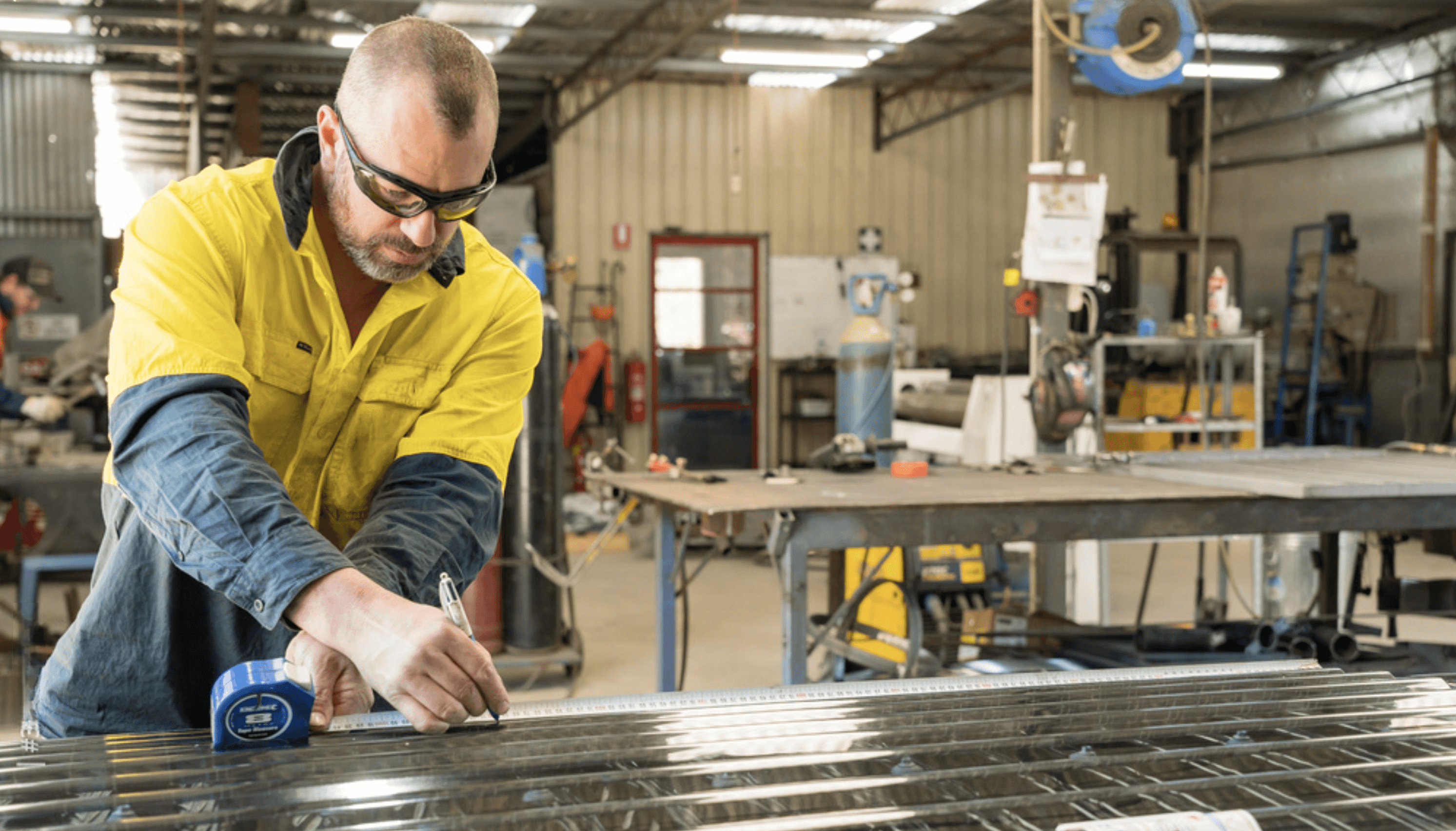
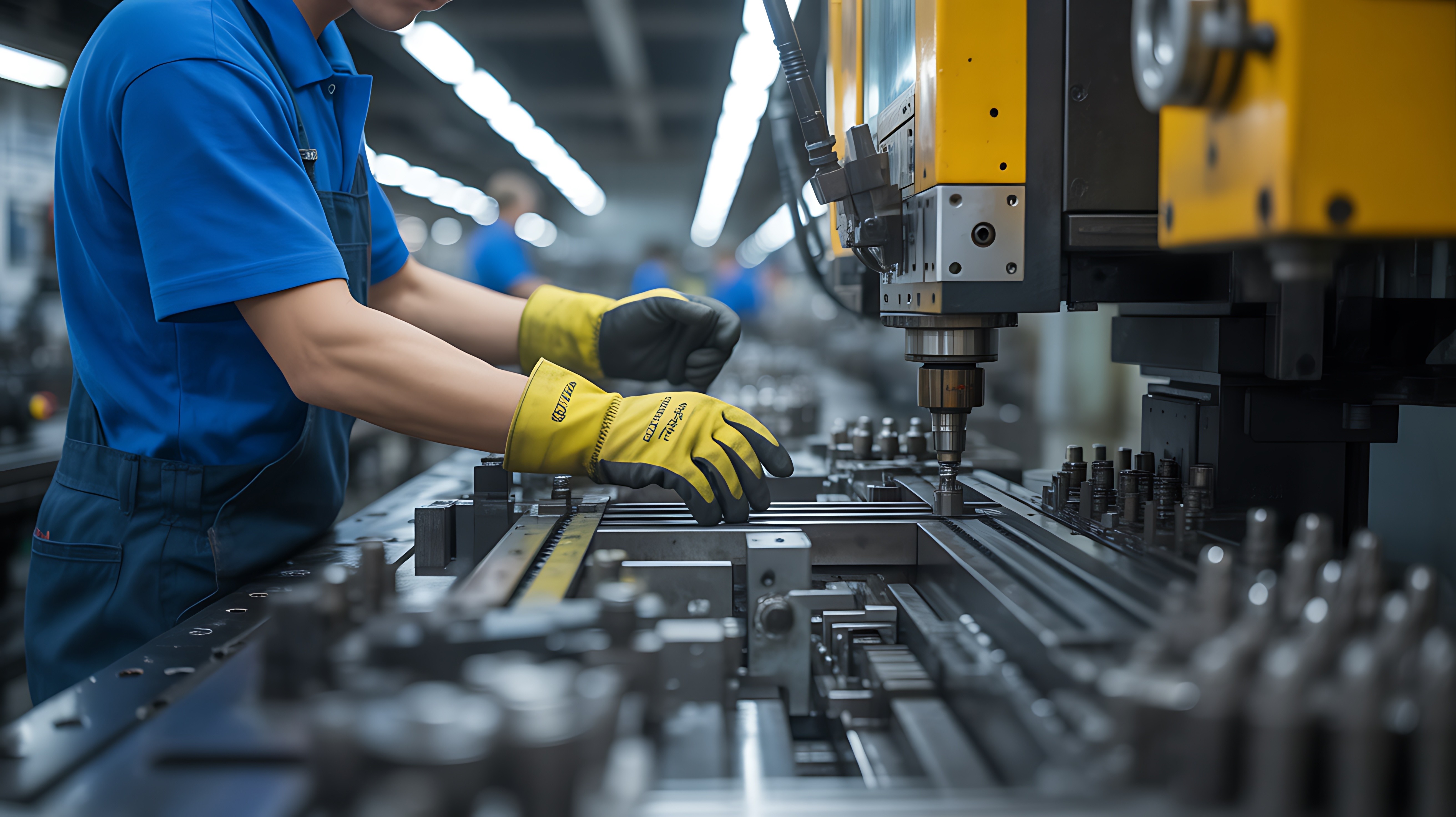
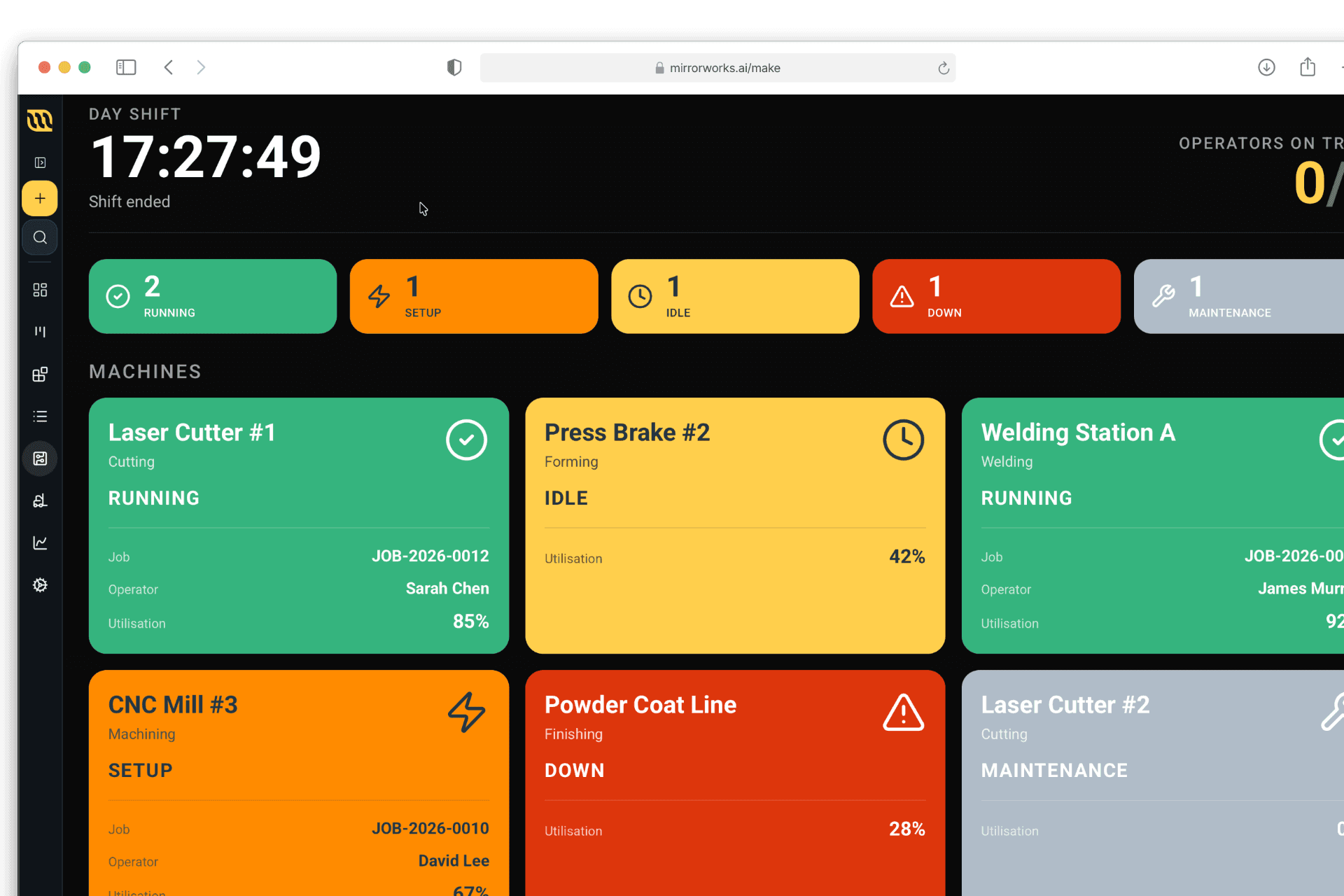
The shop floor interface your team will actually use. 56px touch targets, high-contrast status indicators, barcode-driven start and stop. Operators in gloves can start a job, log a quality issue, and move to the next work order without leaving the screen. Supervisors walk the floor with a tablet and see live machine status, job progress, and who is on what across the whole shop.
The shop floor interface your team will actually use. 56px touch targets, high-contrast status indicators, barcode-driven start and stop. Operators in gloves can start a job, log a quality issue, and move to the next work order without leaving the screen. Supervisors walk the floor with a tablet and see live machine status, job progress, and who is on what across the whole shop.
The shop floor interface your team will actually use. 56px touch targets, high-contrast status indicators, barcode-driven start and stop. Operators in gloves can start a job, log a quality issue, and move to the next work order without leaving the screen. Supervisors walk the floor with a tablet and see live machine status, job progress, and who is on what across the whole shop.
1
Floor mode kiosk
Floor mode kiosk
Floor mode kiosk
One screen for the whole shift.
One screen for the whole shift.
Overview, Kanban, and Work Orders in a three-tab interface. Tablet-first, barcode-ready, gloves-friendly.
Overview, Kanban, and Work Orders in a three-tab interface. Tablet-first, barcode-ready, gloves-friendly.
2
Full-screen work orders
Full-screen work orders
Full-screen work orders
Everything on one view.
Everything on one view.
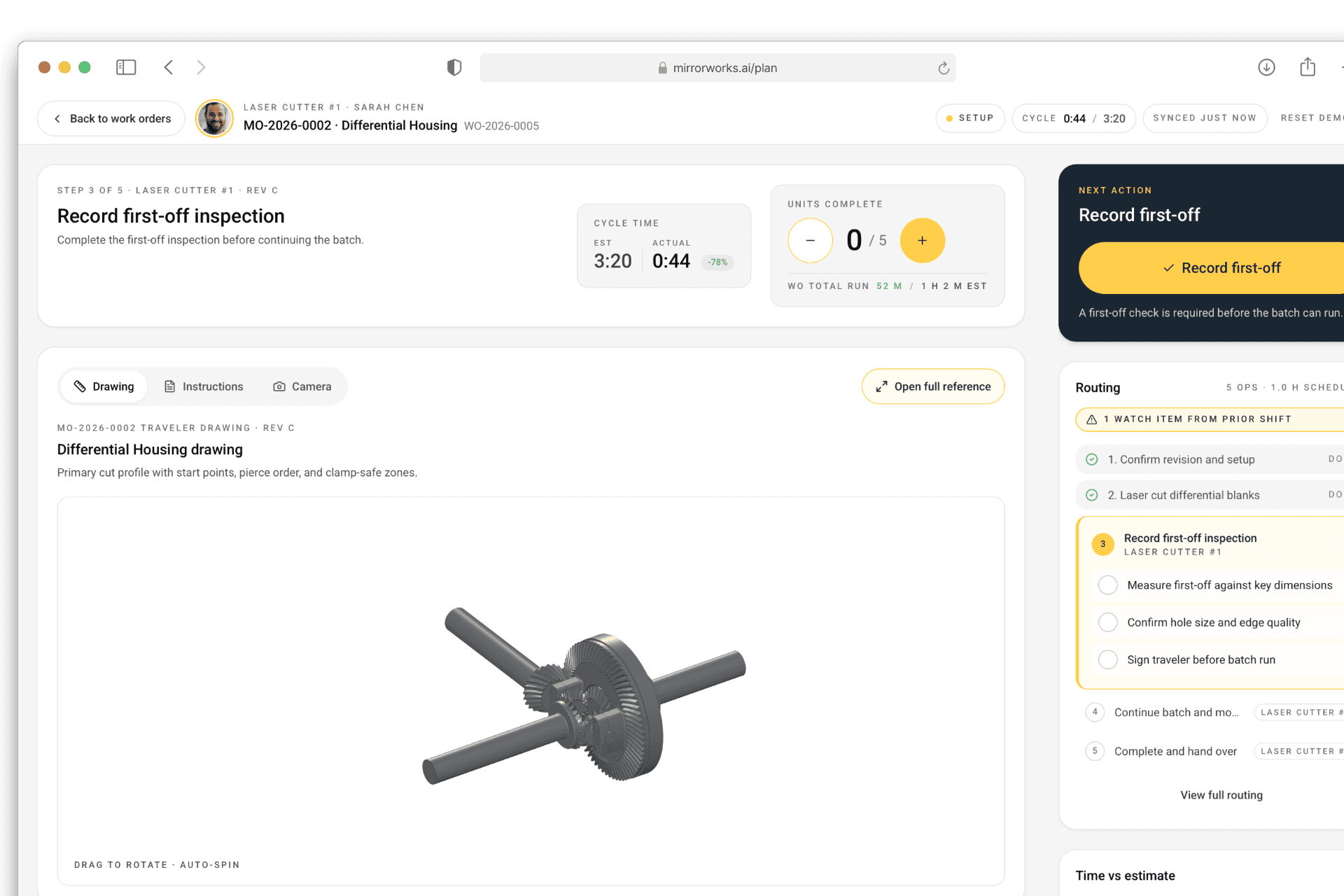
160px buttons, emergency stop, live camera and CAD toggle, inline quality checks. The most operator-focused UX in the market.
160px buttons, emergency stop, live camera and CAD toggle, inline quality checks. The most operator-focused UX in the market.
3
Barcode in, barcode out
Barcode in, barcode out
Barcode in, barcode out
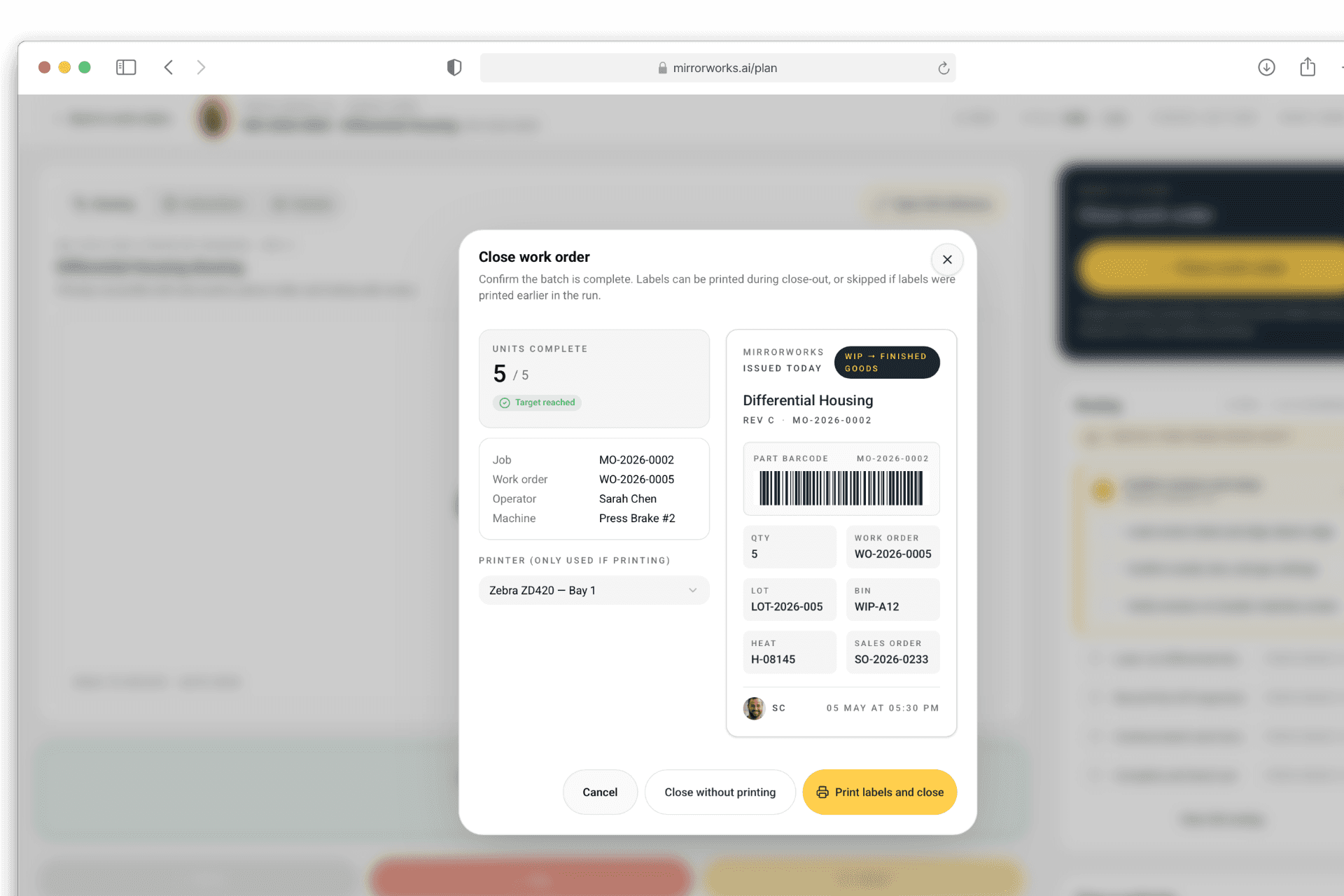
Start, pause, and complete with a scan.
Start, pause, and complete with a scan.
No typing, no hunting for a mouse. Scan station and time clock consolidated into one kiosk.
No typing, no hunting for a mouse. Scan station and time clock consolidated into one kiosk.
4
Live production dashboard
Live production dashboard
Live production dashboard
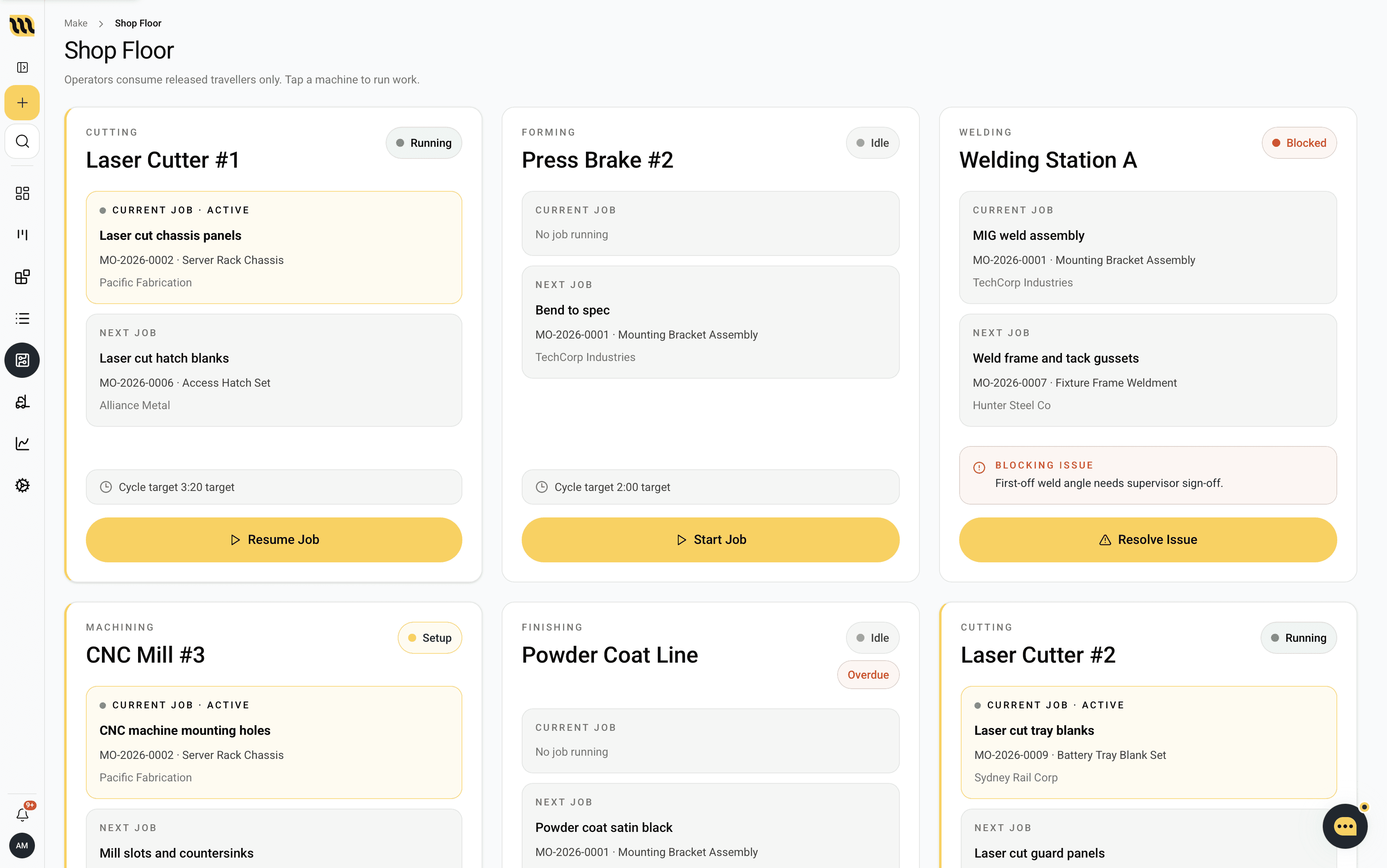
Know what’s running, right now.
Know what’s running, right now.
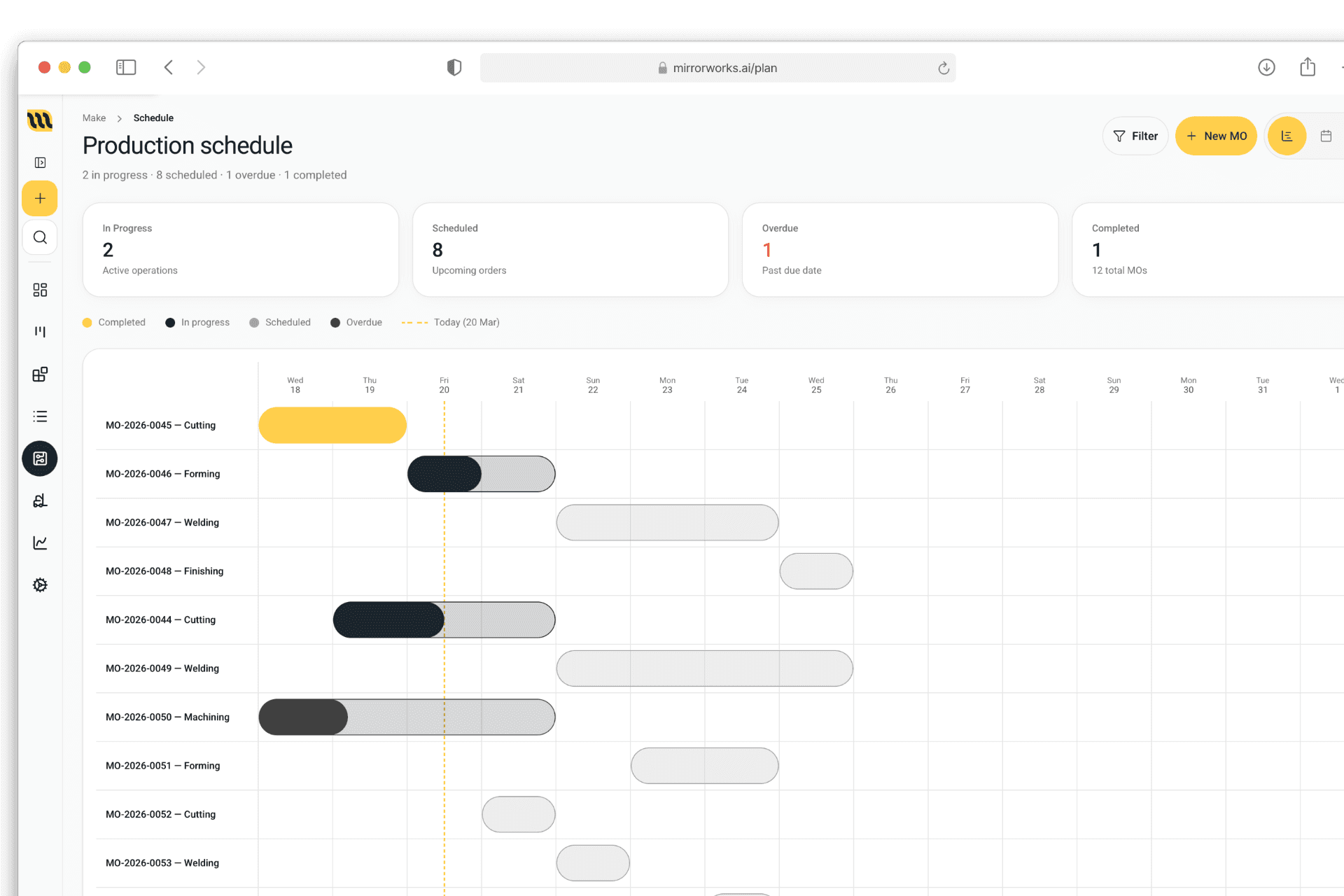
Machine status, job progress, and who’s on what across the floor. Visible from the office or the factory.
Machine status, job progress, and who’s on what across the floor. Visible from the office or the factory.
5
Inline QC
Inline QC
Inline QC
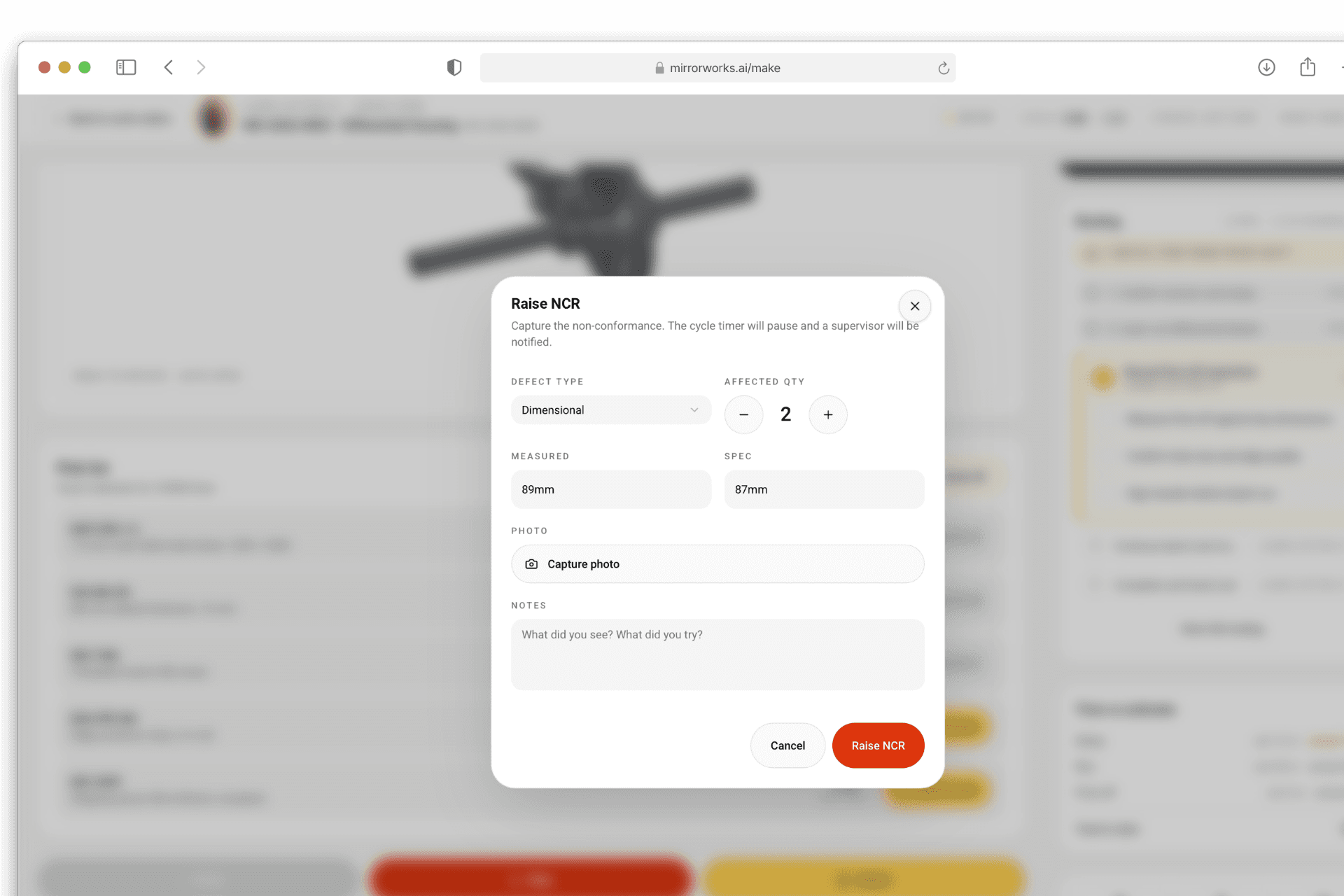
Quality at the machine, not after.
Quality at the machine, not after.
Operators record checks against the job before it moves on. NCRs raised on the spot.
Operators record checks against the job before it moves on. NCRs raised on the spot.
6
Time tracking built in
Time tracking built in
Time tracking built in
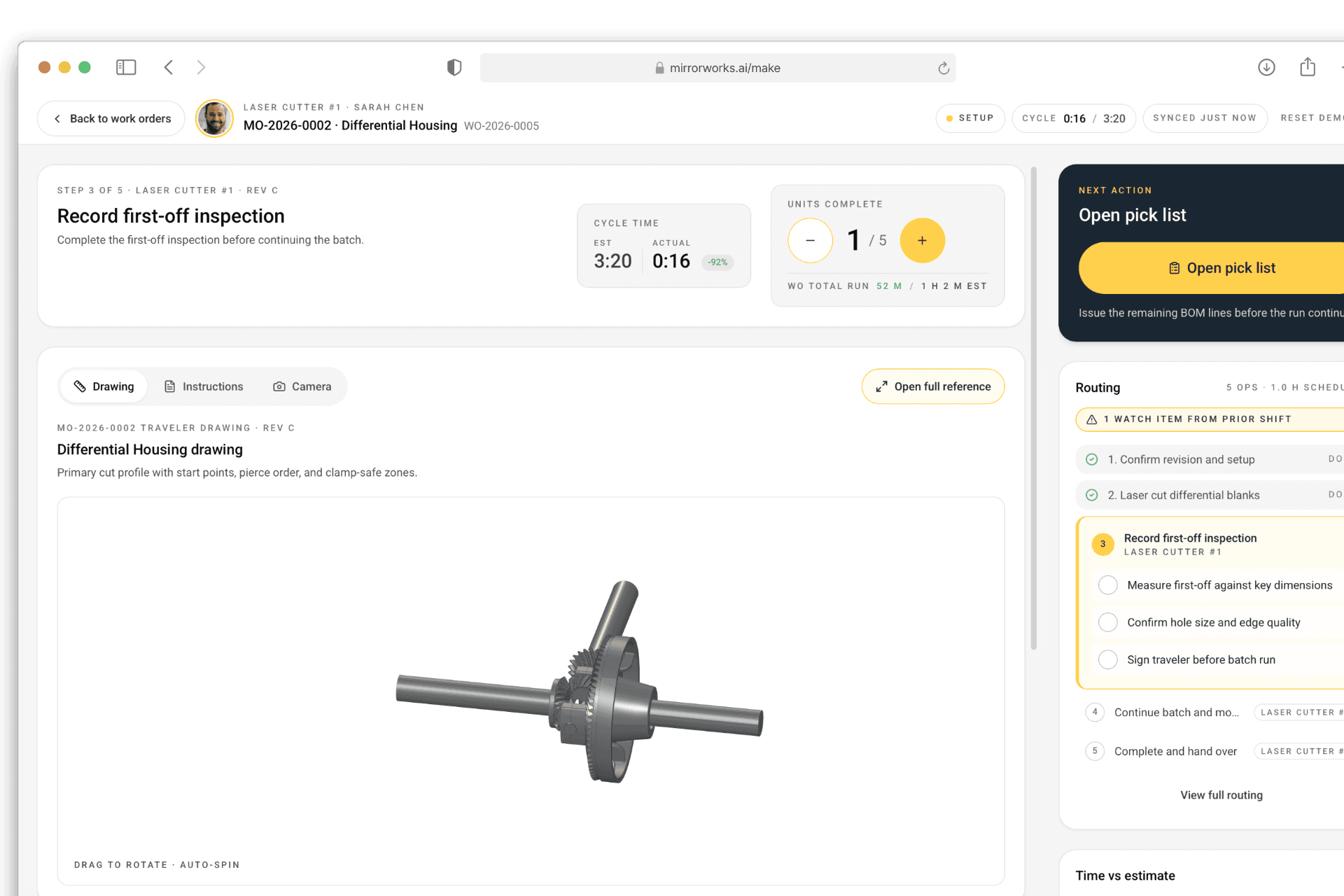
Labour cost without a second system.
Labour cost without a second system.
Operators clock on and off jobs from the same screen they use to work them. Data flows straight into costing.
Operators clock on and off jobs from the same screen they use to work them. Data flows straight into costing.

Operatorswon’tusewhatdoesn’tworkwithgloveson.
Operatorswon’tusewhatdoesn’tworkwithgloveson.
Operatorswon’tusewhatdoesn’tworkwithgloveson.
Most ERPs put the shop floor last. Tiny buttons, dropdown menus, three clicks to start a job. Operators work around it or ignore it, and the data is rubbish by the end of the week.
Most ERPs put the shop floor last. Tiny buttons, dropdown menus, three clicks to start a job. Operators work around it or ignore it, and the data is rubbish by the end of the week.
Most ERPs put the shop floor last. Tiny buttons, dropdown menus, three clicks to start a job. Operators work around it or ignore it, and the data is rubbish by the end of the week.
MirrorWorks was designed backwards from the shop floor. Big targets, high contrast, loud status indicators. A welder with thick gloves can start a job, log a quality issue, and move to the next work order without leaving the screen. Supervisors walk the floor with a tablet and see the same view. Because operators actually use it, the data is clean, which makes scheduling, costing, and quoting everywhere else in the system accurate. Fulcrum has tablet UX; ours goes further. Included in Make, from A$25 per user per month.
MirrorWorks was designed backwards from the shop floor. Big targets, high contrast, loud status indicators. A welder with thick gloves can start a job, log a quality issue, and move to the next work order without leaving the screen. Supervisors walk the floor with a tablet and see the same view. Because operators actually use it, the data is clean, which makes scheduling, costing, and quoting everywhere else in the system accurate. Fulcrum has tablet UX; ours goes further. Included in Make, from A$25 per user per month.
Floor-first
UX designed backwards from the shop floor.
Floor-first
UX designed backwards from the shop floor.